How to Reset ACNH Island Complete Island Restart Guide
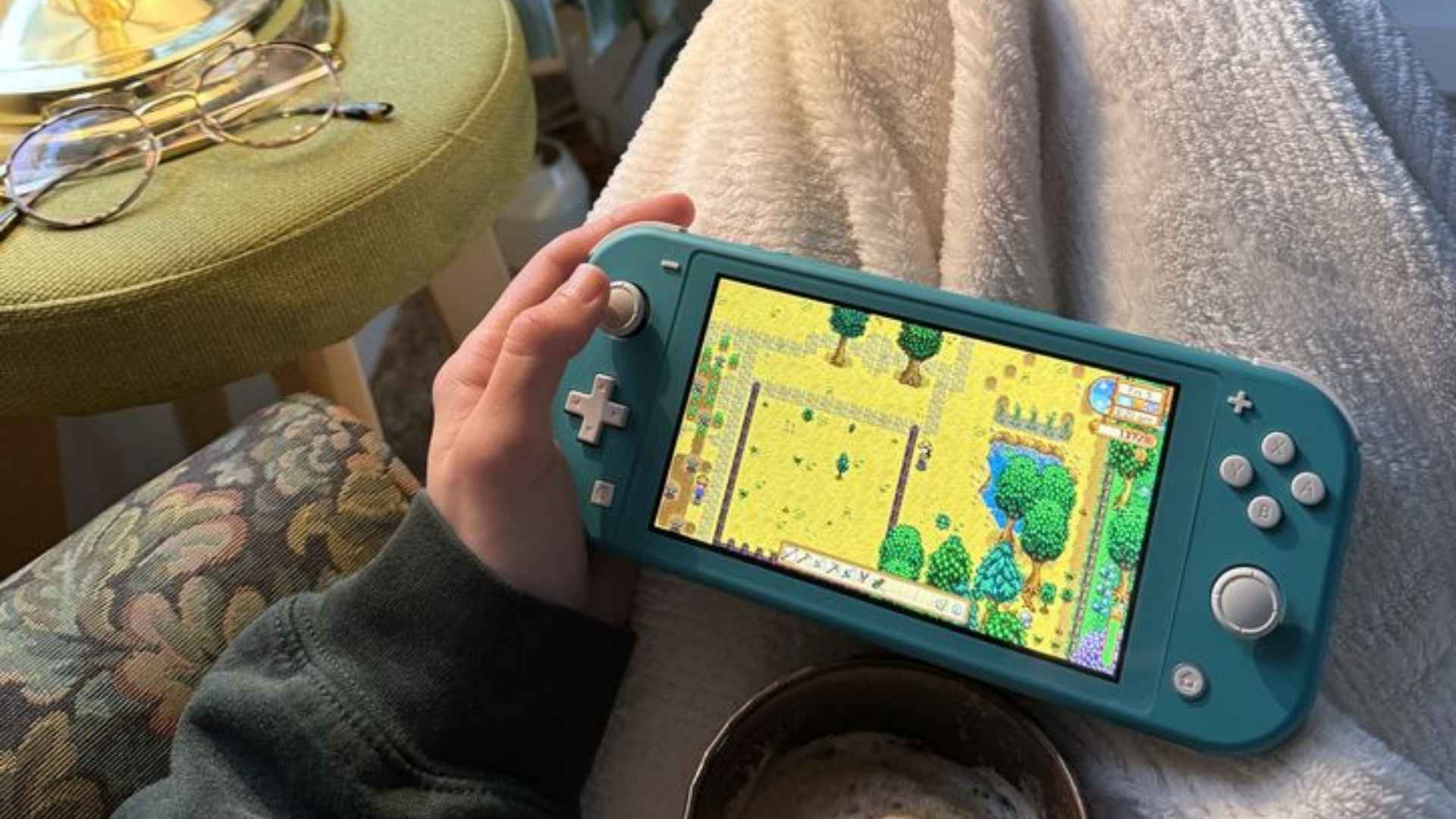
Resetting your paradise in Animal Crossing: New Horizons is a major decision that can breathe new life into your gaming experience. Whether you are unhappy with your current resident representative or simply want a fresh layout, starting over offers a clean slate. Understanding the permanent nature of this process ensures you are fully prepared for the journey ahead.
Weighing the Decision to Restart Your Island
Before deleting your progress, it is essential to consider what you will lose during a complete restart. You will forfeit all your hard-earned bells, unlocked DIY recipes, museum donations, and favorite animal villagers. However, many players find that the excitement of discovering a new landscape outweighs the temporary setback of losing their items.
If you have rare items that you cannot bear to part with, consider asking a trusted friend to store them on their island temporarily. You can fly to their airport, drop your most valuable possessions on their beach, and retrieve them after your new character is established. This simple step helps alleviate the stress of losing everything when wiping your save data.
Step by Step System Reset Guide
Unlike other Nintendo Switch games, you cannot reset your island from the in-game settings menu managed by Tom Nook. Instead, you must navigate directly to the system settings dashboard on your console home screen. Make sure to close the game completely before beginning the deletion process to prevent data corruption.
From the main Switch home menu, open the System Settings gear icon and scroll down to the Data Management tab. Select the Delete Save Data option at the bottom of the list, then find Animal Crossing: New Horizons from your game library. Confirm your selection by choosing to delete all save data for this software from the console storage.
Choosing Your New Island Layout
Once the system data is completely erased, relaunching the game will bring you back to the initial checkout counter with Timmy and Tommy. This is your opportunity to re-enter your preferred name and select a brand new northern or southern hemisphere layout. Pay close attention to the placement of unchangeable features like river mouths, the resident services plaza, and the airport color.
The game will present you with four random map options to choose from during your registration process. If you do not like any of the available layouts, you can immediately close the application and restart the game to roll for new options. Taking your time during this map selection stage ensures you get the perfect foundation for your future dream destination.
Early Game Tips for Fresh Success
Starting over allows you to apply everything you learned from your previous playthrough to progress much faster. Focus heavily on gathering basic materials like wood and iron nuggets early on to speed up the construction of Nook's Cranny. Befriending your initial two villagers will also make the early island life feel much more rewarding and engaging.
Remember that building a perfect island layout is a slow and relaxing journey rather than a race against time. Take it one day at a time as you unlock terraforming capabilities and expand your home inventory. Enjoy the simple pleasures of catching new bugs, discovering fossils, and watching your unique virtual community thrive from scratch.